What you'll learn
- A practical baseline stack most teams can start from in 2026
- Match a workplace need to a primary library and an optional alternate
- When not to add another dependency
- A curated catalog across forms, data, tooling, tables, routing and more
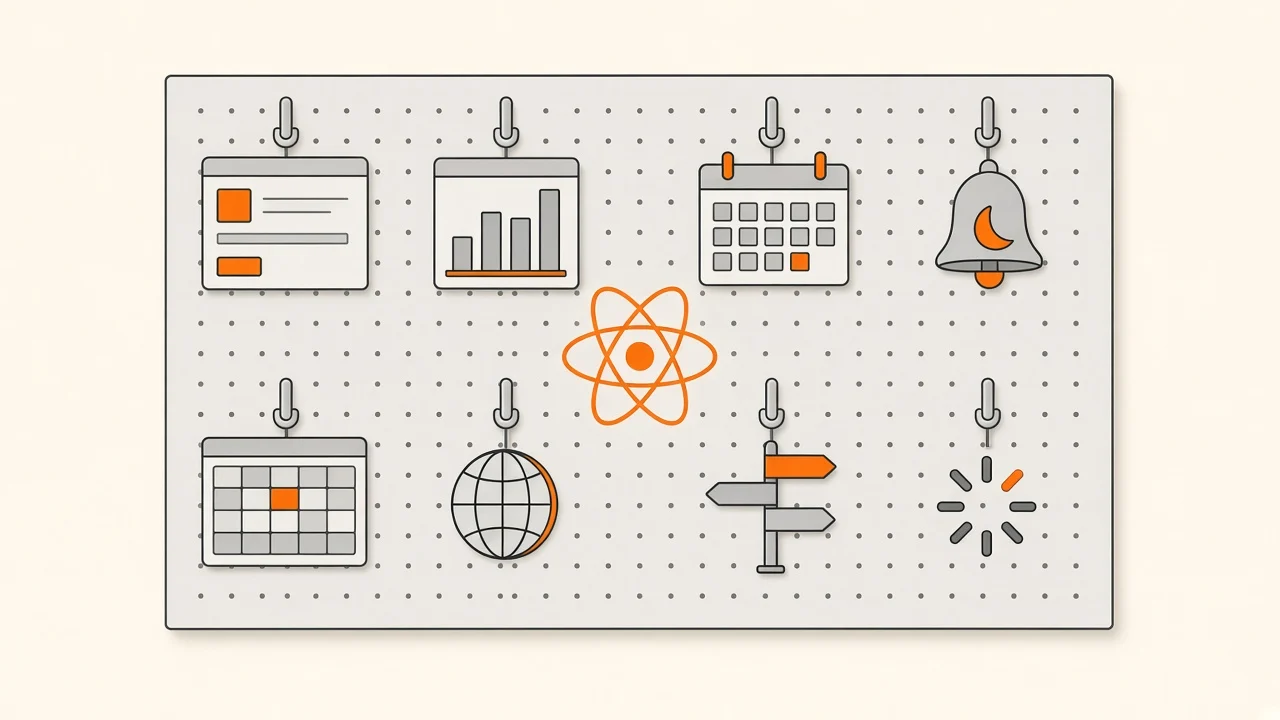
React handles rendering. Everything else on this page is a tool you pick for one job: forms, fetching, tables, linting, motion, routing.
A long package.json looks productive and still ships a heavy, confusing app. Prefer fewer dependencies. Add a library when it clearly owns a hard problem, and check Bundle Size Optimization before you lock in weight.
Inclusion here means active maintenance and common production use. The rules are not strict. Niche winners still belong when they own a painful edge case.
How to use this catalog
- Start from a need, not from a trending list. Use the stack picker or the need matcher before you scroll.
- Prefer the baseline until it hurts. Defaults beat shopping for every category on day one.
- Follow topic articles when the decision is deeper than a package name: Styling for headless UI, State Management for client vs server state, Automated Testing for Vitest and Testing Library, Frameworks for Next and friends, Project Standards for lint automation.
- Measure after you add. Bundle size, CI time and review complexity are part of the cost.
Recommended baseline
If you want a practical default stack in 2026 for a Vite React SPA:
- Build: Vite
- Lint/format: Biome, or oxlint with oxfmt
- Server state: TanStack Query
- Forms: react-hook-form with Zod
- Tables when needed: TanStack Table with TanStack Virtual
That is a starting point, not a religion. Meta-frameworks change the build and routing layer; Redux-heavy apps may keep RTK Query; tiny apps can stay thinner.

Try it: baseline stack picker
Pick the kind of app you are building. You get a short default stack, why it fits, and a first-week plan.
App goal
Your stack
A practical 2026 default stack
Vite for DX, one lint/format tool, TanStack Query for server state, and RHF with Zod for forms. Add tables only when you need them.
- vite
Fast dev server and build for React SPAs.
- biome
One tool for lint and format. Split to oxlint+oxfmt if you prefer that pair.
- @tanstack/react-query
Default for fetching, caching and mutations.
- react-hook-form
Performant forms without re-rendering the whole tree.
- zod
Runtime schemas at form and API boundaries.
First week
Scaffold with Vite, add Biome or oxlint+oxfmt, wrap the app in a QueryClientProvider, and validate one API response with Zod.
Baselines are starting points. Skip a package until you feel the pain it solves. The category lists below cover alternates when the default is wrong for your team.
Checkpoint
You are starting a new Vite React SPA with forms and a few API lists. What should you lock first?
Pick an answer, or press A, B, C on your keyboard.
Match a library need
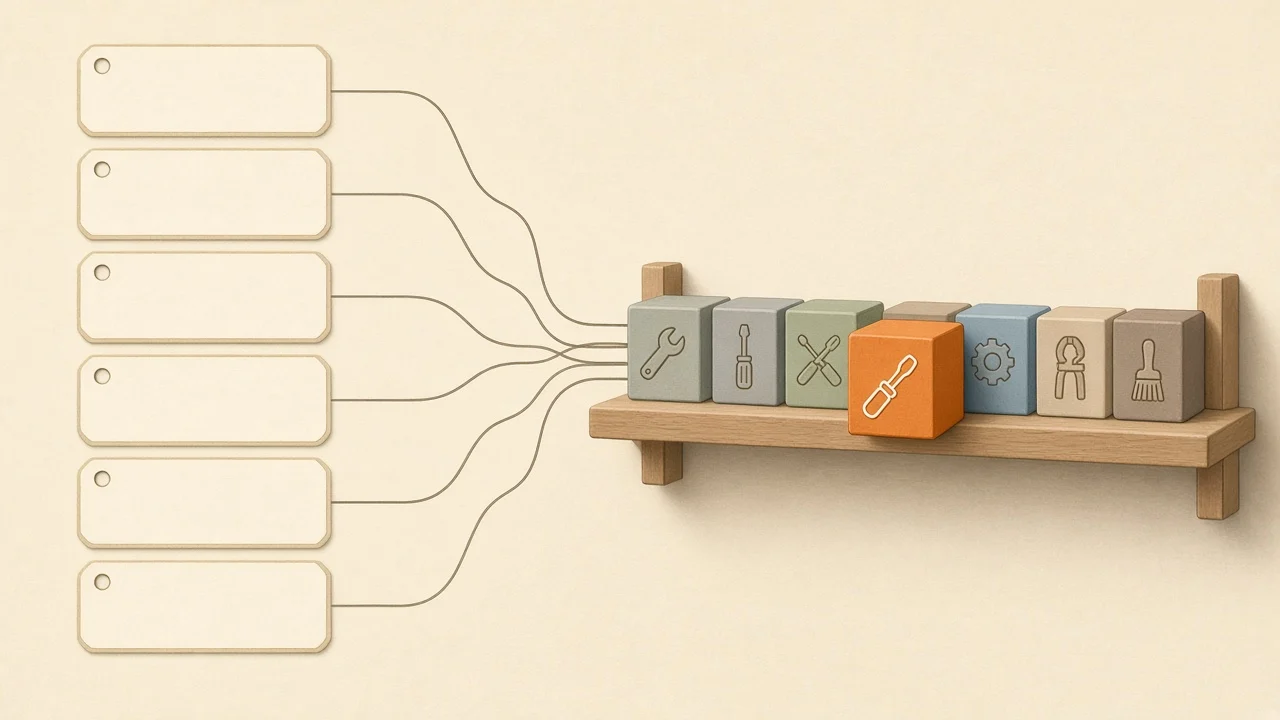
Sometimes you already know the pain: huge forms, long tables, drag-and-drop boards, charts, onboarding tours, locales, toasts or slow lint.
Try it: match a library need
Choose a pain you see at work. The matcher points to one primary package and an optional alternate.
Need
The problem
Large forms re-render on every keystroke, validation is scattered, and submit errors are hard to show.
Start here
react-hook-formIt keeps field updates cheap and pairs cleanly with schema validators for admin-scale forms.
Related on this site: Styling for headless form controls
One package will not fix product process. Use the pick as a shared default in the next architecture talk, then measure bundle cost before you lock it in.
Key takeaway
Treat the primary pick as a team default, not a forever rule. Document why you chose it so the next review does not reopen the whole catalog.
When not to add a library
Adding a package is easy. Removing it is not.
Skip a dependency when:
- The platform already does it.
Intl,URLSearchParams,structuredClone, CSS scroll snap and the native<dialog>cover more than teams expect. - A twenty-line helper is enough. A tiny date format or fetch wrapper inside
src/libbeats another transitive tree. - Your framework already includes it. Next.js routing and data patterns are different from a Vite SPA. See Frameworks.
- You only need it once. A one-off PDF download or a single confetti burst may not justify a permanent dependency.

The key habit
Prefer the baseline, then add libraries one need at a time. Every dependency is a future upgrade and a future security review.
Premade hooks
Use these when you want battle-tested hooks without inventing useLocalStorage again.
-
@uidotdev/usehooks (opens in a new tab)
Insight: Broad hook collection for common UI and browser APIs. -
usehooks-ts (opens in a new tab)
Insight: TypeScript-first hooks with clear typings for team codebases.
Utility libraries
Domain utilities beat giant grab bags. Prefer tree-shakeable packages and import only what you use.
-
date-fns (opens in a new tab)
Insight: Date math and formatting with modular imports. -
use-local-storage-state (opens in a new tab)
Insight: Persisted React state synced tolocalStorage. -
@shopify/react-cookie (opens in a new tab)
Insight: Cookie helpers when you need them in React trees. -
lodash (opens in a new tab)
Insight: Still useful for a few deep helpers; prefer individual imports or native methods when you can. -
zod (opens in a new tab)
Insight: Schema validation and type-safe contracts between UI, forms and API responses. Baseline pick. -
valibot (opens in a new tab)
Insight: Lighter schema alternative when bundle weight matters more than Zod ecosystem size.
Data fetching and caching
Server state is not the same as client UI state. For cache, refetch and mutations, pick one primary library. Deeper patterns live in State Management.
-
@tanstack/react-query (opens in a new tab)
Insight: Default recommendation for server state in most new React apps. -
swr (opens in a new tab)
Insight: Simple cache-first fetching when you want a smaller API surface. -
RTK Query (opens in a new tab)
Insight: Strong option when the codebase is already Redux-heavy.
Build tooling, linting and formatting
Toolchain choices show up every day in DX and CI. Keep the adoption path short.
-
vite (opens in a new tab)
Insight: Fast dev server and build tool for React projects. Baseline pick. -
biome (opens in a new tab)
Insight: All-in-one formatter and linter with strong performance. -
oxlint (opens in a new tab) + oxfmt (opens in a new tab)
Insight: Split approach when you want very fast lint plus a dedicated formatter. -
rolldown (opens in a new tab)
Insight: Rust bundler in the Vite ecosystem direction. Evaluate as the bundling story matures; do not force a migrate on day one.

Suggested adoption path:
- Start with Vite for scaffolding and dev/build performance.
- Put Zod (or Valibot) on form and API boundaries.
- Choose one lint/format stack: Biome, or oxlint with oxfmt.
- Evaluate Rolldown when your bundling strategy needs it, not before.
For how to enforce these tools in CI and pre-commit hooks, see Project Standards.
Forms and inputs
Complex forms need a form library plus schemas. Fancy inputs are separate from form state.
-
react-hook-form (opens in a new tab)
Insight: Baseline for performant React forms. -
formik (opens in a new tab)
Insight: Still used in legacy teams; less common for new projects. -
zod (opens in a new tab) or yup (opens in a new tab)
Insight: Validation schemas. Zod is the usual pair with react-hook-form today.
Form UI and inputs
For dropdowns, radio groups and checkboxes, prefer headless UI libraries. Read Styling for that layer.
Input masking
Select / multi-select
Datepickers
- react-datepicker (opens in a new tab)
- react-calendar (opens in a new tab)
- react-day-picker (opens in a new tab)
Animations and loading states
-
motion (opens in a new tab)
Insight: Current Motion for React package (motion/react). Framer Motion is the older name; new installs should usemotion. -
react-spring (opens in a new tab)
Insight: Spring-based animation when that model fits the UI. -
react-loading-skeleton (opens in a new tab)
Insight: Simple loading placeholders while data arrives.
Drag and drop and layout
-
@dnd-kit/core (opens in a new tab)
Insight: Recommended modern drag-and-drop toolkit. -
react-dnd (opens in a new tab)
Insight: Older DnD stack still seen in legacy codebases. -
react-draggable (opens in a new tab)
Insight: Simple draggable components without a full DnD system. -
react-resizable (opens in a new tab)
Insight: Resize handles for panels and tiles. -
react-grid-layout (opens in a new tab)
Insight: Draggable, resizable grid layouts with breakpoints. -
react-advanced-cropper (opens in a new tab)
Insight: Image cropping when upload flows need it. -
react-archer (opens in a new tab)
Insight: Draw arrows between elements for diagrams and relationship UIs.
Charts
-
recharts (opens in a new tab)
Insight: Fast path for most React dashboards. -
visx (opens in a new tab)
Insight: Lower-level visualization primitives on D3. -
victory (opens in a new tab)
Insight: Composable chart components for interactive visuals. -
nivo (opens in a new tab)
Insight: Rich chart set built on D3 and React.
Tables and virtualization
-
@tanstack/react-table (opens in a new tab)
Insight: Headless table logic. Baseline when you need real grids. -
react-data-grid (opens in a new tab)
Insight: Excel-like grid behavior when that UX is the product. -
@tanstack/react-virtual (opens in a new tab)
Insight: Baseline virtualizer for long lists and table bodies. -
react-window (opens in a new tab)
Insight: Established list and grid virtualization. -
react-virtuoso (opens in a new tab)
Insight: Virtual lists with extras like grouped lists and follow-output.
Toasts, viewers and carousels
-
sonner (opens in a new tab)
Insight: Polished toast UX with a small API. -
react-joyride (opens in a new tab)
Insight: Guided product tours and spotlights. -
@react-pdf-viewer/core (opens in a new tab)
Insight: In-app PDF viewing. -
swiper (opens in a new tab)
Insight: Touch-friendly carousels and sliders.
Routing
For SPAs, pick a router. For Next.js and similar, follow the framework. See Frameworks.
-
react-router (opens in a new tab)
Insight: The most common React SPA router. -
@tanstack/react-router (opens in a new tab)
Insight: Type-safe routing with deep TypeScript integration. -
wouter (opens in a new tab)
Insight: Tiny router when you want minimal surface area.
Internationalization
-
react-i18next (opens in a new tab)
Insight: Common default with the i18next ecosystem. -
react-intl (opens in a new tab)
Insight: FormatJS-based messages and formatting.
Checkpoint
You are adding animations to a new React app in 2026. Which package should you install?
Pick an answer, or press A, B, C on your keyboard.
Still looking for
This catalog is not complete. We still want strong, maintained picks for:
- 3D rendering, WebGL and browser games
- Hard frontend edge cases that only a few libraries solve well
- Niche tools that clearly own one painful job
If you ship with a library that fits, keep notes on why it won. That story helps the next team more than a raw link.
Ecosystem checklist
Before you merge a new dependency:
- I can name the one job this package owns
- The baseline or need matcher did not already cover it with something we use
- Bundle impact is acceptable (see Bundle Size Optimization)
- Maintenance looks active enough for production
- The team knows where docs and upgrade notes live
- Alternatives were considered for two minutes, not two weeks
Further reading
On this site:
- Styling for headless UI and component kits
- Project Standards for lint, format and CI
- State Management for client vs server state
- Frameworks for Next and other meta-frameworks
- Nx Introduction & Architecture for monorepo tooling
- Automated Testing for Vitest, Testing Library and Playwright
- Bundle Size Optimization for dependency cost
- Books & Reading for deeper learning beyond package docs
- Fundamentals for language and React entry points
- Proficiency with Hooks when the gap is React APIs, not packages
Conclusion
The ecosystem is large on purpose. Your stack should not be. Start from the baseline, match real needs, and refuse libraries that do not earn their place.
Finish one adoption well. Then come back for the next category.
The key takeaway
Pick libraries for one job each, prefer a short baseline, and measure cost before you collect packages.
Check your understanding
What is the best first move when choosing libraries for a new Vite React SPA?
Pick an answer, or press A, B, C on your keyboard.
Recap
What to remember from this article
Sections read
0
Questions
0
none answered yet
Quiz
0
not taken yet
Up next: Books & Reading · 6 min
Continue